Your new shop
Everything on this page is a block you can change in the CMS: the photos, the texts, the colours. Scroll down to see what they can do.
Sliders
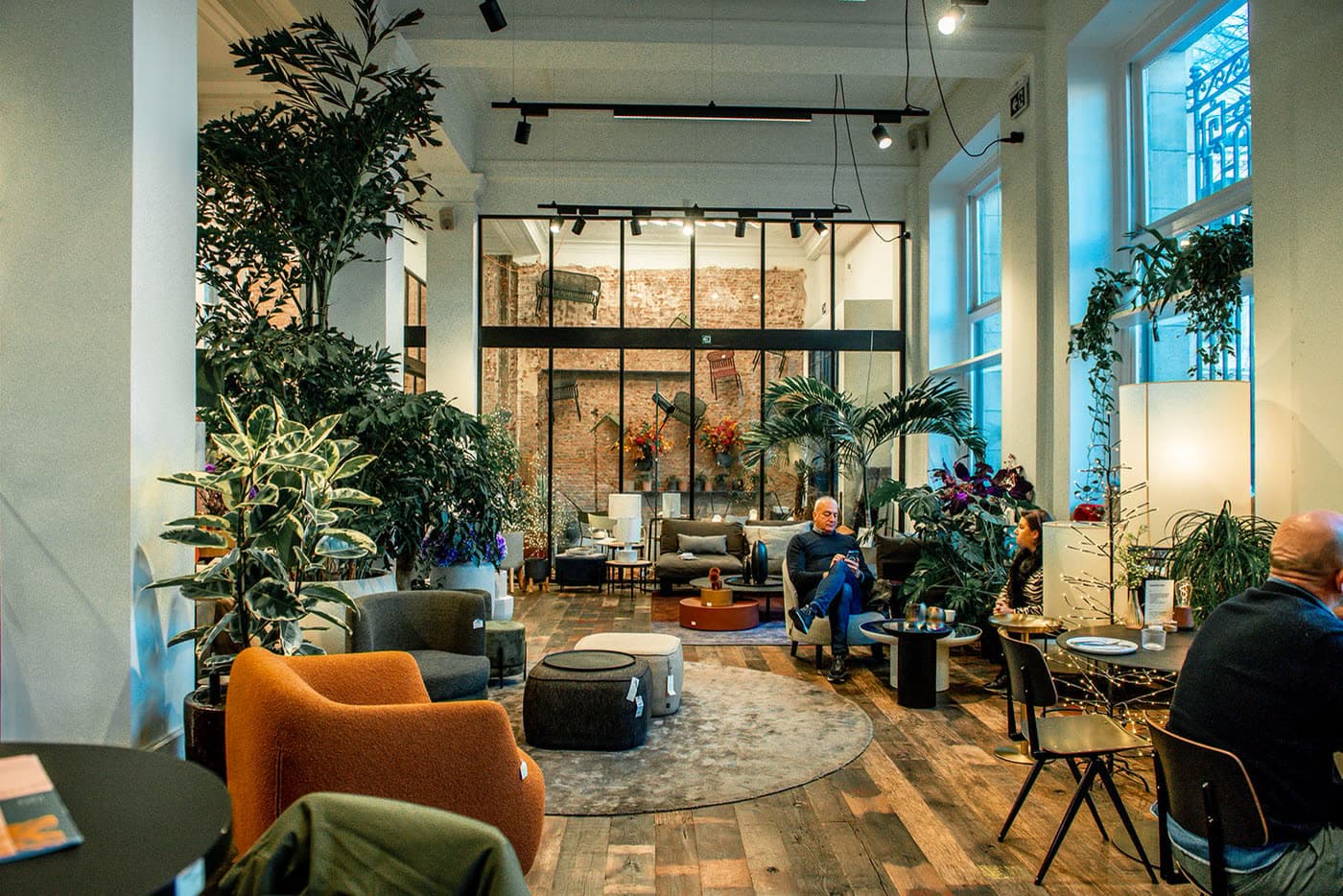
Every slide is an ordinary hero section with its own photo, text and veil. Add a slide, drag one out, or switch the slider to a grid.

Your theme
Set them once under Theme and every block follows, this page included. Even this veil takes your main colour.
Every page in your shop is built the same way.
Add a block
Text, a photo, a button, products: pick a block or a ready-made section and place it where you want it.
Choose its look
A photo can be plain, carry text over it or flip like a card. Change the look and keep what you entered.
Publish
Nothing goes live until you publish. Preview the page first, exactly as your visitors will see it.
The same photo block four times. Switch its look in the editor and everything you entered stays.

Only the heading, until you point at the photo: then the veil, this line and a button.
How it worksA photo with a card of text under it: for a quote, a team member or the story of a product.
Text below

Tabs are a section layout: each tab is a section with its own title, and one shows at a time.
Every tab holds its own blocks: a photo beside a line of text here, anything you like in yours.
Visitors switch between tabs without leaving the page, so a lot fits in a calm space.
On a phone the tabs scroll sideways, and each one keeps its own title in every language.
About us
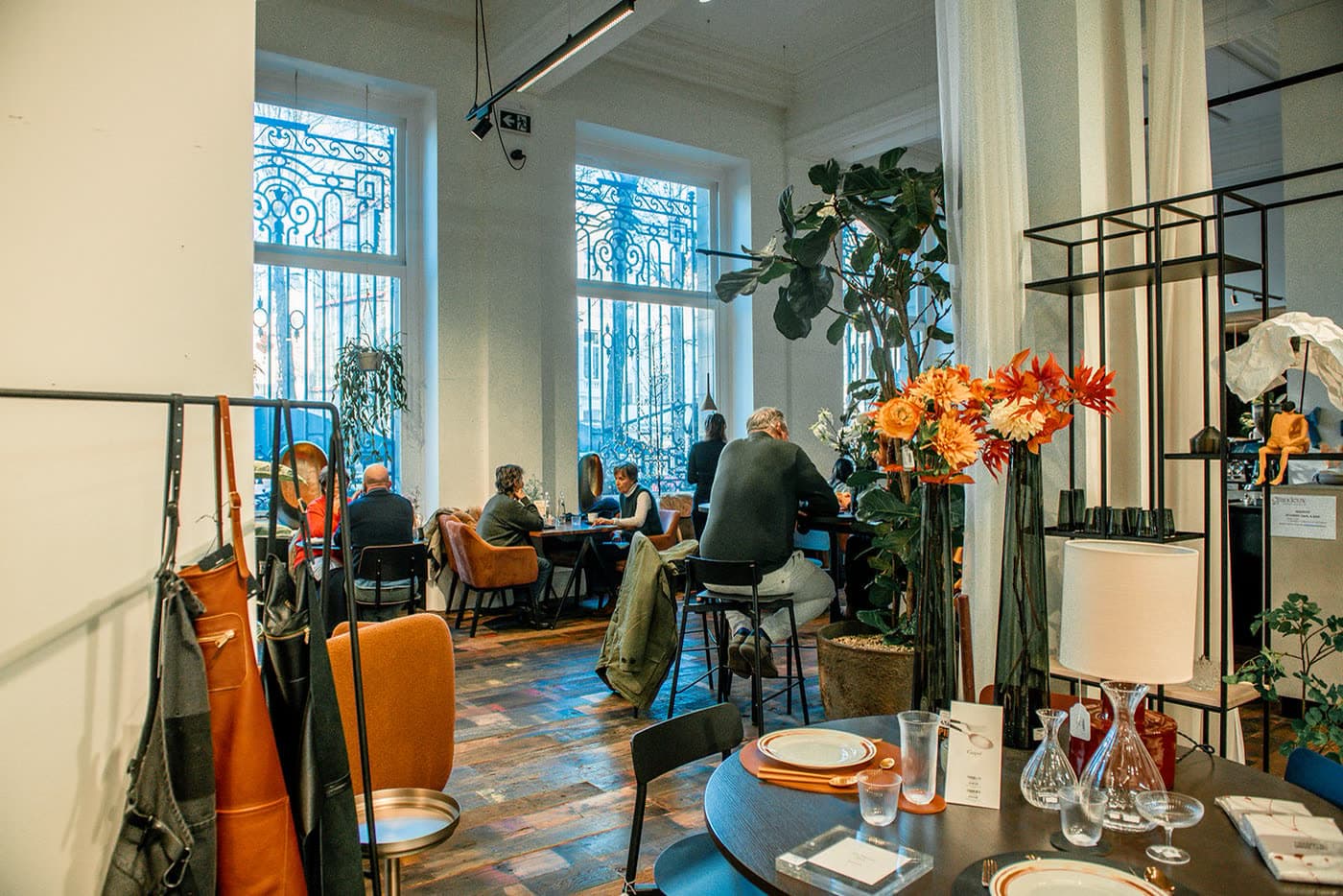
Text beside a photo is the place for your story. Here the photo takes two of the three columns: in a grid section every block is as wide as you choose, per screen size.
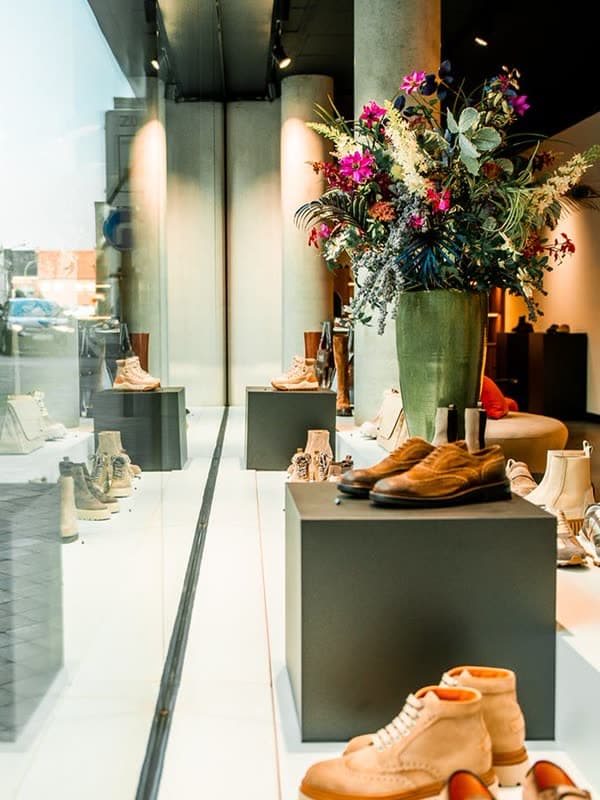
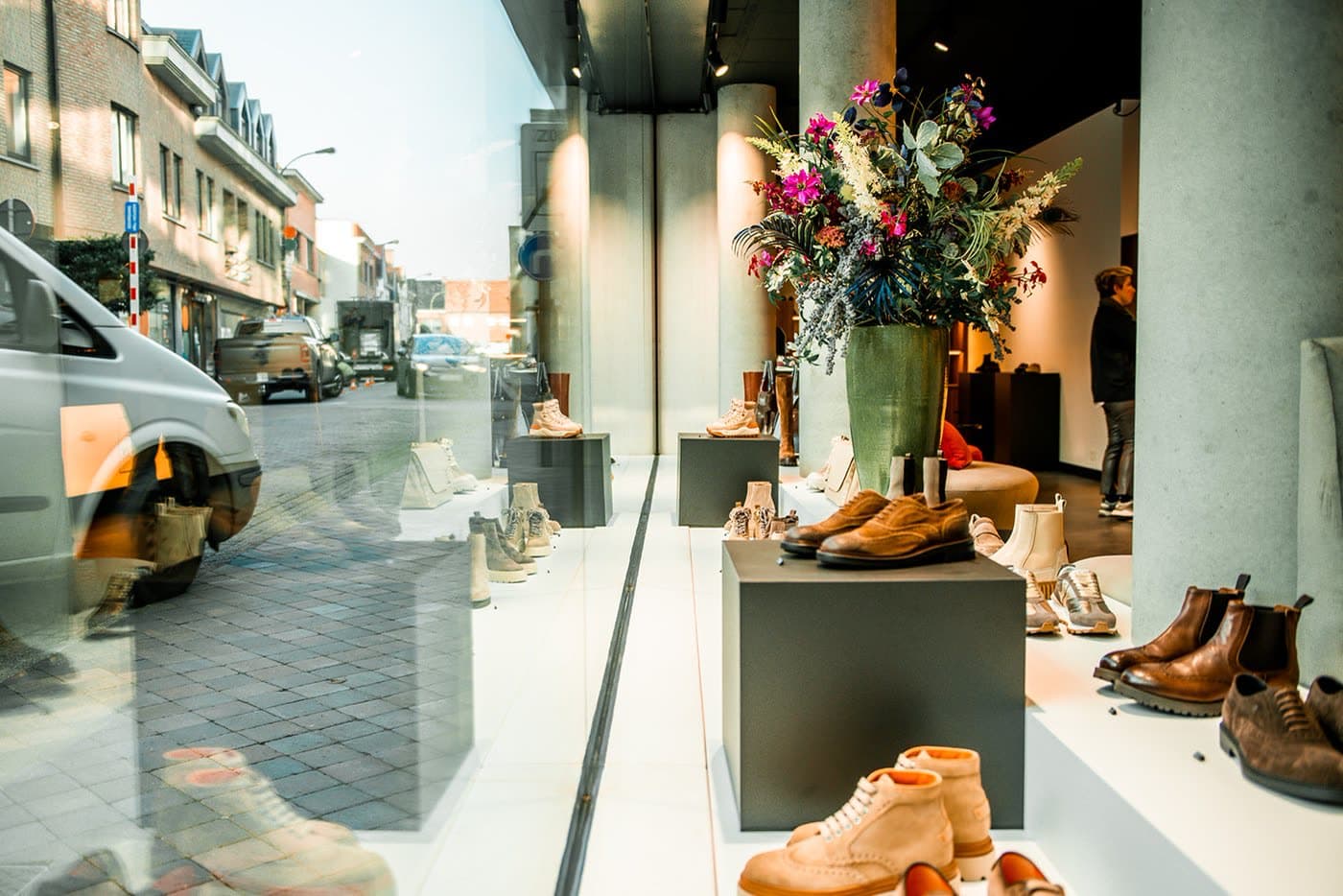
A section on a photo
Give any section a photo of its own, a separate one for phones, and a focal point that stays in view on every screen.
The masonry layout: photos of every shape side by side, each at its own height.
Photo blocks with the look Text below, in a slider: made for reviews. Replace these examples with real ones.

Ordered on Sunday evening, picked up in the shop on Monday. That is how it should be.
Example: Lisa
Customer since 2021

They know their products and take the time for you, online as well as in the shop.
Example: Sam and Noor
Regular customers

Returning a pair of shoes took me two minutes. I will be back.
Example: Tom
Customer
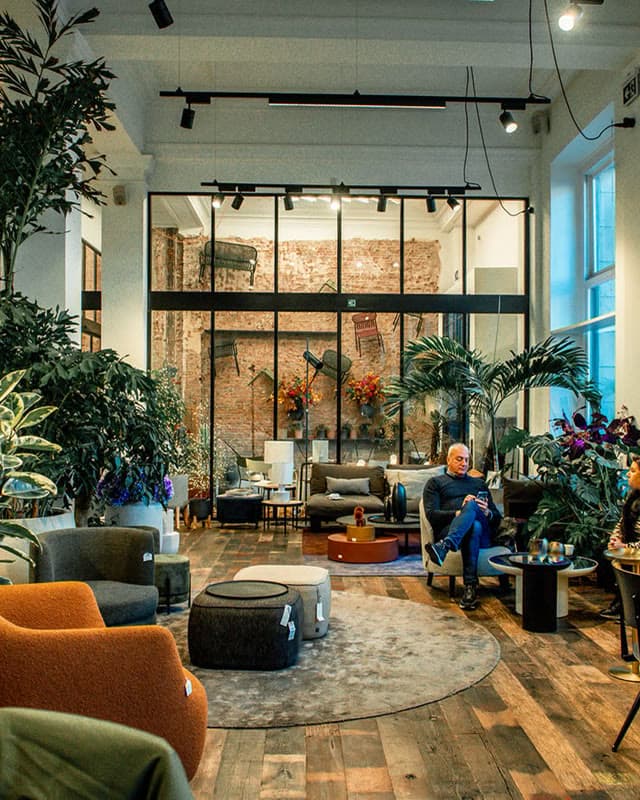
My sofa came on the day they said, and they put it together too.
Example: Ines
Customer since 2023
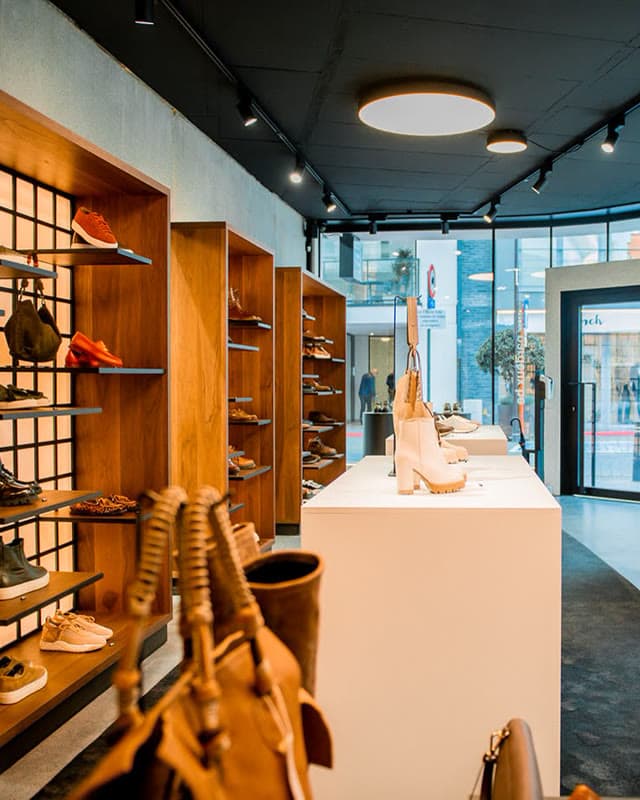
Seen online, tried on in the shop, delivered at home. All of it just worked.
Example: Jonas
Regular customer
Add the ready-made Product row and pick a category. It fills itself as soon as your products are online.
From your back office
Products, prices and stock come from Tilroy. Put a product online and it is in your shop, without entering it here again.
Product row or grid
Pick a category or choose the products yourself. A section shows them as a slider or as a grid, on any page.
Lists and product pages
Category pages, search, filters and the product page are built by your shop from your data. In the CMS you decide how they look.
This is an accordion section: every question is a section that folds open.
In the CMS, go to Pages and choose Start from the welcome page. You get this page as a draft to change, and once you publish it, it replaces this one.
Under Theme. Every block follows the theme, so one change restyles your whole shop.
Every text has a version for each language of your shop. Choose the language at the top of the editor to write it.
Everyone who visits your shop, but search engines leave it out. It stays until you publish a home page of your own.
Free delivery
Over €50, at your door in 2 working days
Easy returns
30 days to change your mind, free returns
Personal advice
In the shop, by email and by phone
Secure payment
With the payment method you prefer
Free delivery
Over €50, at your door in 2 working days
Easy returns
30 days to change your mind, free returns
Personal advice
In the shop, by email and by phone
Secure payment
With the payment method you prefer
We use cookies
We use cookies to improve your experience and analyse site usage. You can accept all, reject non-essential, or customise your choices.